
iLovePDF is one of the most popular free PDF tools online, and it's easy to see why — a clean interface and tools for pretty much everything you'd need, from merging to compressing to converting. If it's working for you, that's genuinely fine. But if you've hit its limits — the ads on the free tier, a subscription for full access, or just wanting your files to stay off someone else's server — it's worth knowing what actually changes when you switch to a toolkit built differently from the ground up.
What iLovePDF gets right, honestly
Credit where it's due: iLovePDF's tool selection is broad, the interface is genuinely easy to use, and the free tier covers real, common tasks without requiring a credit card upfront. For occasional, low-stakes use, it's a perfectly reasonable choice.
Where it starts to show its limits
A few things add up the more you actually use it:
- The free tier is ad-supported, with the ads only going away once you're on a paid plan.
- Full access requires a recurring subscription — reported pricing runs from roughly $4 to $9 a month depending on plan and billing frequency, which adds up to real money over a year of use, and keeps costing that every year after.
- Files are processed on their servers, not your device. The typical flow is: your file uploads, gets processed remotely, and the result downloads back — which means an internet connection is required for every single operation, no exceptions.
- Batch limits and file size caps apply more tightly on the free tier, since you're sharing server capacity rather than using your own device's resources.
What changes with an offline-first PDF toolkit
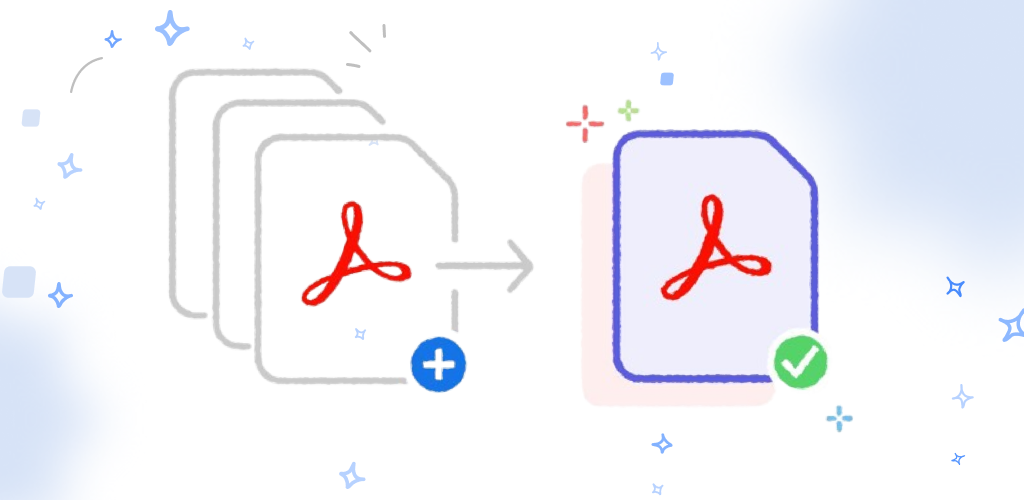
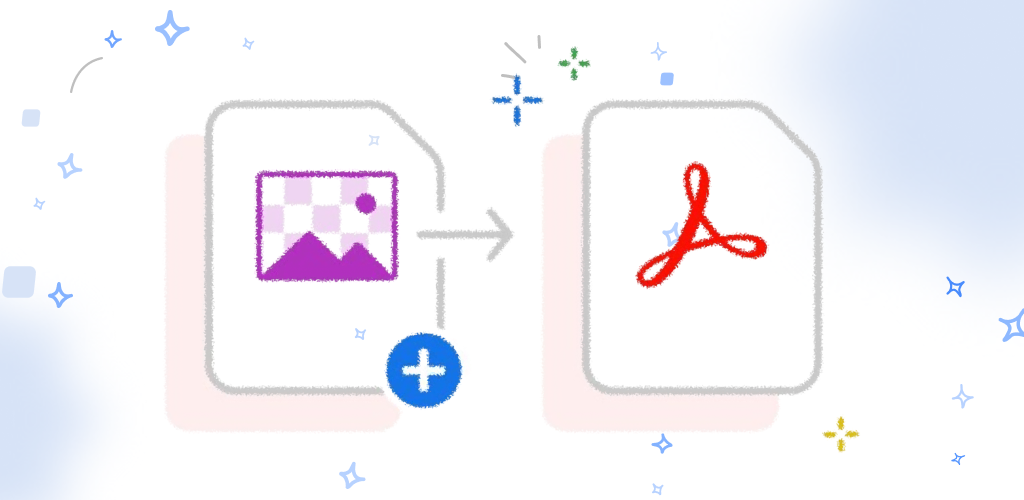
DocKit's core tools — merge, split, reorder, rotate, delete pages, convert images to PDF — all run locally, on your device, with no server in the loop. That one architectural difference cascades into several practical ones:
- Works with zero internet connection. Mid-flight, spotty wifi, a basement office with no signal — the tools work exactly the same.
- No ads, on any tier. Not on the free toolkit, not while you're waiting for something to process, never.
- One-time payment for advanced tools, not a subscription. Pay once for things like OCR and password protection, and you own them — no recurring charge showing up every month or year.
- No account required for the core toolkit, so there's no login wall between you and merging two files.
- No server queue to wait behind. Since nothing's uploaded, there's no batch cap or file-size limit imposed by shared server capacity — the only ceiling is your own device's storage and memory.
- Files never leave your device for these operations, which matters if what you're working with is a contract, a medical form, or anything else you'd rather not send anywhere.
- A modern, purpose-built interface, designed as a mobile-first app rather than a web tool retrofitted into one.
Side-by-side
| iLovePDF | DocKit | |
|---|---|---|
| Where files are processed | Uploaded to their servers | Entirely on your device |
| Works offline | No | Yes, for core tools |
| Ads | Yes, on free tier | None, ever |
| Pricing model | Recurring subscription (~$4–9/mo for full access) | Free core toolkit, one-time unlock for advanced tools |
| Account required | Often, for higher limits | No, for the free toolkit |
| Platforms | Web, with mobile/desktop apps on paid plans | Native Android & iOS apps |
Who this actually matters for
If you convert one file a month and don't mind ads, iLovePDF's free tier is a fine fit — there's no need to overthink it. The switch tends to matter most if you recognize yourself in one of these:
- You're doing this often enough that a monthly subscription starts to feel like a bad deal compared to paying once.
- You're working somewhere without reliable internet and need tools that just work regardless.
- You're handling sensitive documents — contracts, medical records, financial statements, ID scans — where keeping files off a server isn't just a preference, it's the point.
- You'd rather not see ads interrupting a task that should take five seconds.
Frequently asked questions
Is iLovePDF unsafe to use? No — it's a legitimate, widely used service with a published privacy policy. The difference isn't "safe vs. unsafe," it's a tradeoff across cost, connectivity, and where your files get processed — worth weighing based on how you actually use it.
Will I lose features by switching to an offline tool? For the common operations — merge, split, reorder, rotate, delete pages, image-to-PDF conversion — no, these work identically offline. Some server-dependent features may differ between tools, so it's worth checking the specific one you rely on most.
Do I have to pay anything to switch? No — DocKit's core toolkit is free, with no trial period or credit card required. Advanced tools are available as an optional one-time purchase if and when you need them.
Try the free toolkit
Explore DocKit's free PDF tools — no ads, no subscription, no upload required, and they work exactly the same whether you're online or not.