
If you’ve used CamScanner or similar document apps recently, you’ve probably noticed how bloated they’ve become. What used to be a simple camera scanner now forces you to create an account, uploads your private documents to remote servers, puts watermarks on your files, and locks basic tools behind monthly subscriptions. If you lose your internet connection, most of these apps refuse to work at all.
Your private documents—tax forms, IDs, receipts, and contracts—don't need to live on a cloud server just so you can turn them into a clear PDF.
That is why we built DocKit.
Why DocKit is the Better Alternative
DocKit is a local-first document scanner and PDF toolkit. Instead of sending your images across the internet to be processed on a server, DocKit handles all crop detection, image cleanup, OCR, and PDF editing directly on your phone's processor.
Here is a quick look at how DocKit compares to CamScanner and typical cloud scanner apps:
| Feature | Typical Apps (CamScanner, Adobe Scan) | DocKit |
|---|---|---|
| Privacy | Uploads documents to remote cloud servers | 100% On-Device. Files never leave your phone |
| Offline Support | Fails or limits features without internet | Works fully in Airplane Mode |
| Account Required | Demands email registration or social login | Zero accounts. Open the app and scan |
| Pricing | Recurring monthly/yearly subscriptions | Core tools free forever. Optional one-time unlock |
| Speed | Waiting on network uploads and downloads | Instant. Powered by your local hardware |
What’s Inside DocKit
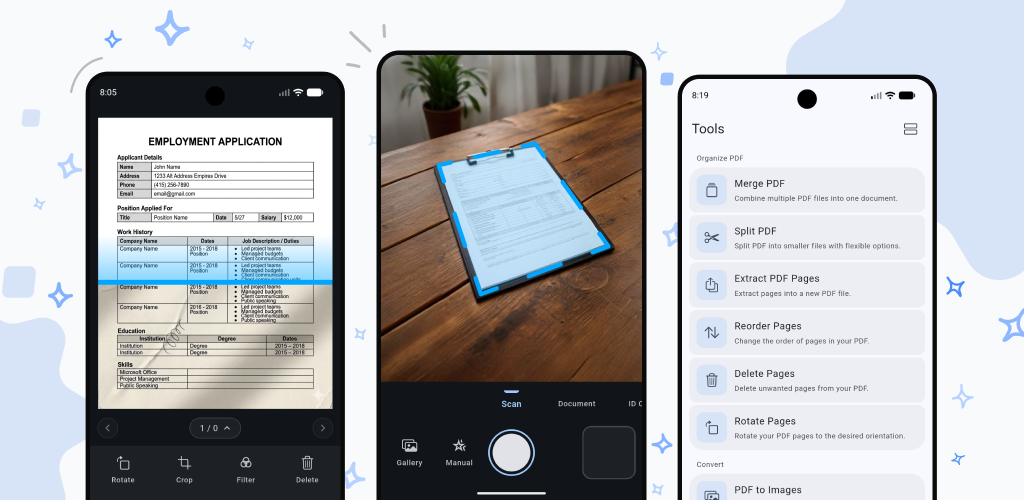
Instead of cluttering your phone with four different apps for scanning, signing, and compressing PDFs, DocKit combines everything into one clean workspace.
1. Four Dedicated Scanning Modes
- General: Quick auto-crop and contrast cleanup for receipts, notes, and everyday papers.
- Document: Forces exact document dimensions (A4, Letter, Legal) for straight, professional margins.
- ID Card: Scans the front and back of a card, then neatly stitches both sides onto a single page.
- Passport: Frames passport pages while reducing glare from plastic laminates.
2. 16 On-Device PDF Tools
- Organize: Merge multiple files, split PDFs, extract specific pages, reorder pages, delete pages, or rotate orientation.
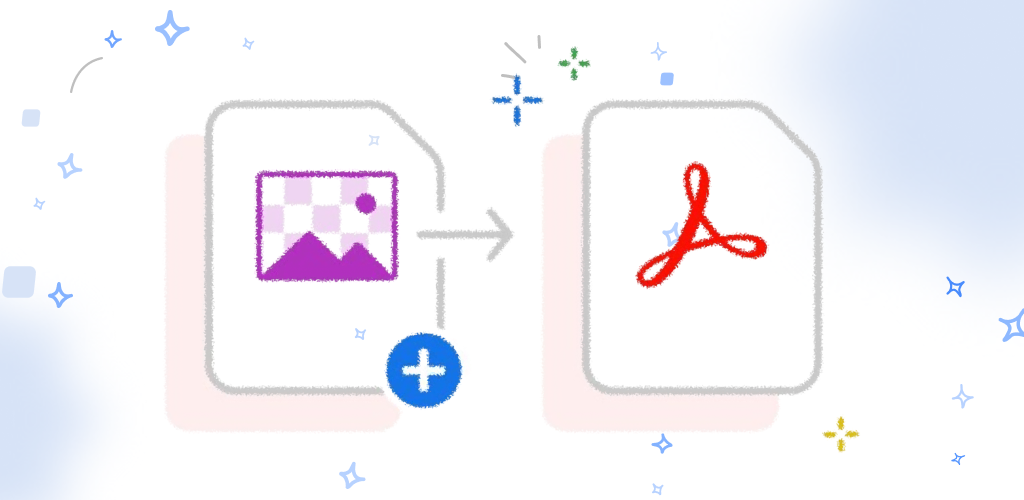
- Convert: Turn PDF pages into PNG/JPEG images or batch-convert photos into a single PDF.
- Extract & Compress: Optical Character Recognition (Image-to-Text OCR), extract embedded images, copy selectable text, or shrink file sizes with lossless compression.
- Security & Edits: Add handwritten signatures, insert custom watermarks, password-protect files, or unlock encrypted PDFs.
Built for Privacy First
DocKit doesn't track your document metadata, log what you scan, or store your files anywhere outside your device's local memory. When you delete a file in DocKit, it's gone.
If you want a reliable scanner that respects your privacy, works on an airplane, and doesn't push endless monthly subscriptions, give DocKit a try.